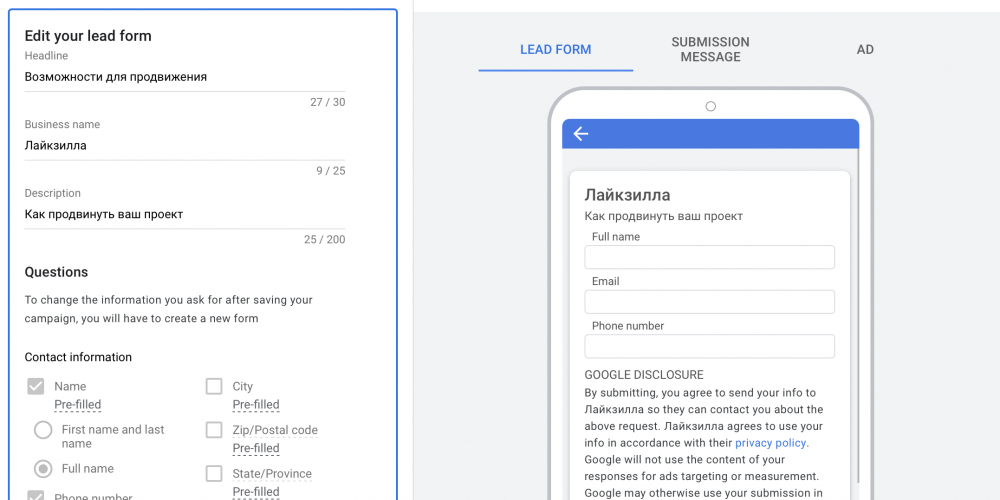
If you use the lead form in Google Ads, then how to receive leads from Google Ads is one of the most relevant questions.
You may already know that in Google Ads a new ad extension has appeared — there it is called “Lead form,” or Lead form in the English interface.
The essence of this extension is that you can add it to your ad, and people will have the opportunity to fill out this form and leave their contact details.
The problem with leads from Google Ads
If you have already started using this format, then you know that the leads are simply saved in the system, and you can download them in CSV file format.
There is also the possibility to link the form with a CRM, but for this you need to have such a CRM, and not everyone has one of those that are supported.
Google leads — to email or Telegram
For this, there is a simple service Chotam.ru
- Register on the Chotam.ru service
- Create a task of the type Google — Lead form
- Copy the webhook address and key from there and paste them into the form settings in Google Ads as shown in the picture below
After that, all leads received from this form will be sent to your email or Telegram (depending on what you have selected in the settings).
That’s it — you don’t need any third-party CRMs, and there can be as many recipients as you want.
In addition, the Chotam service can receive comments from advertising posts on Instagram, and in general is excellent for working with inquiries from social networks.
Leave a Reply