
Instagram is a powerful platform for marketing and communication. Sometimes you need to share a specific post with colleagues, clients, or friends. In this article, we will explain how to easily and quickly copy a link to a post on Instagram.
You may also need a link to a post in order to quickly access a specific post for analytics, comment management, or using third-party services.
Via the mobile app
- Open the Instagram app Launch the app on your smartphone and log in to your account.
- Find the desired post. This can be your post or a post from any other user.
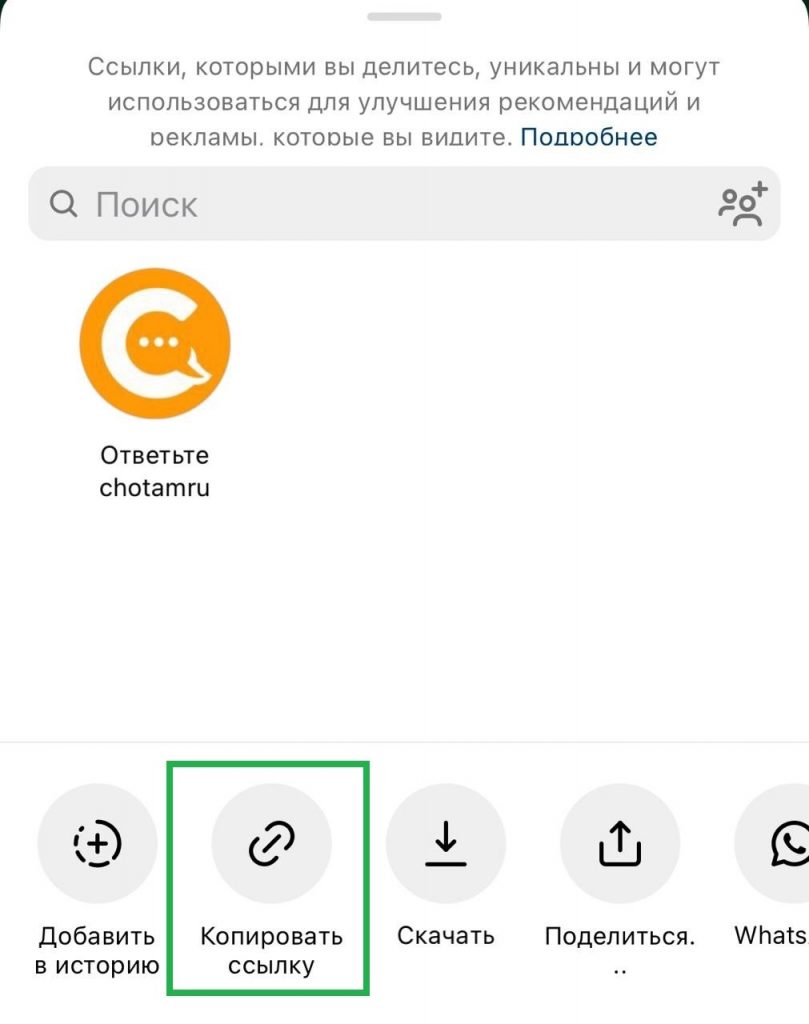
- Tap the “paper plane”. In the lower left corner of the post, there is a “paper plane” icon. Tap it to open the options menu.

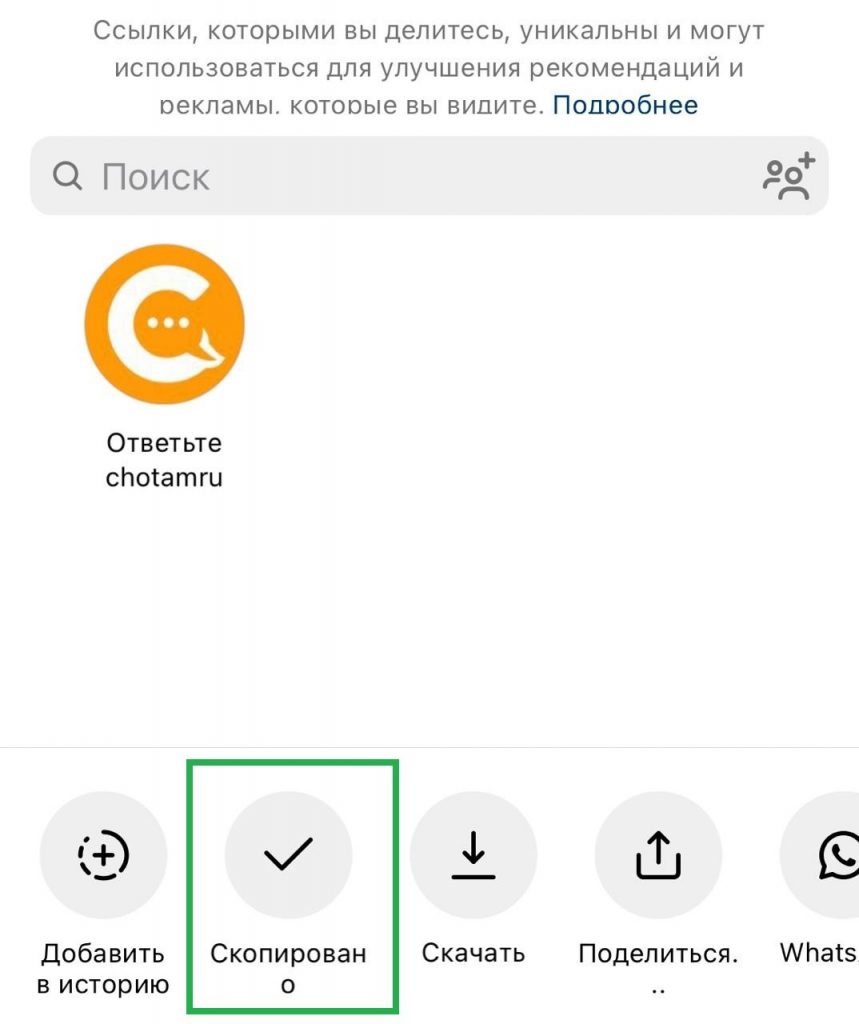
- Select “Copy Link”. In the menu that appears, select the “Copy Link” option. After tapping the icon, the label will change to “Copied”. The link to the post will be copied to your device’s clipboard.
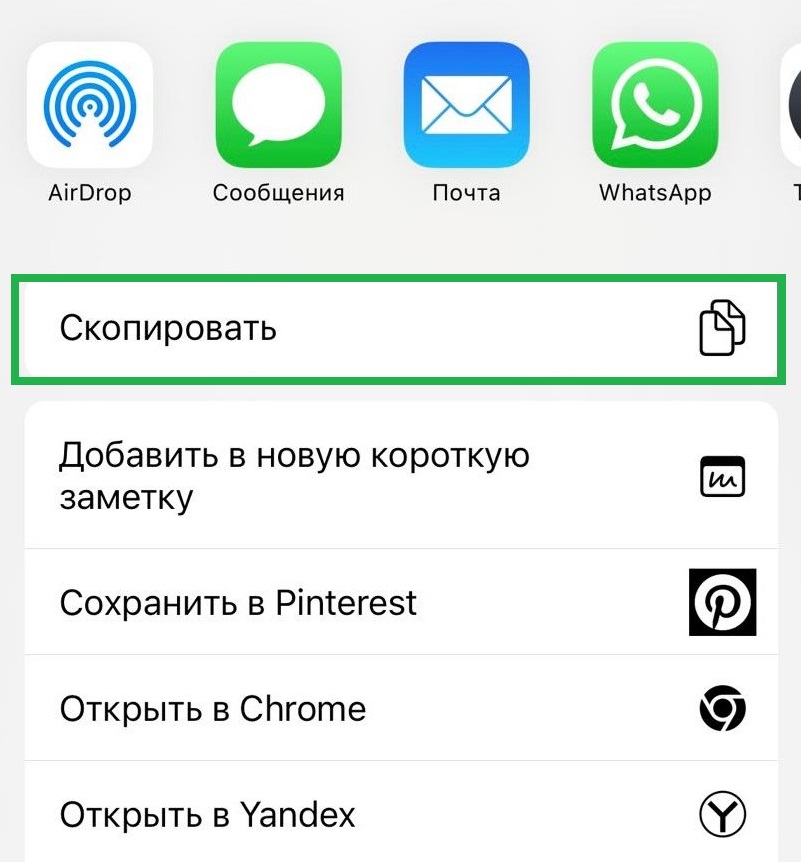
- You can also copy the link via the “Share” option. After tapping it, you can copy the link, send it directly to the desired app, open it in a browser, etc.
How to copy a link to an Instagram post via the web version
- Go to the Instagram website. Open your browser and go to instagram.com. Log in to your account.
- Find the desired post. Go to the post you want to share.
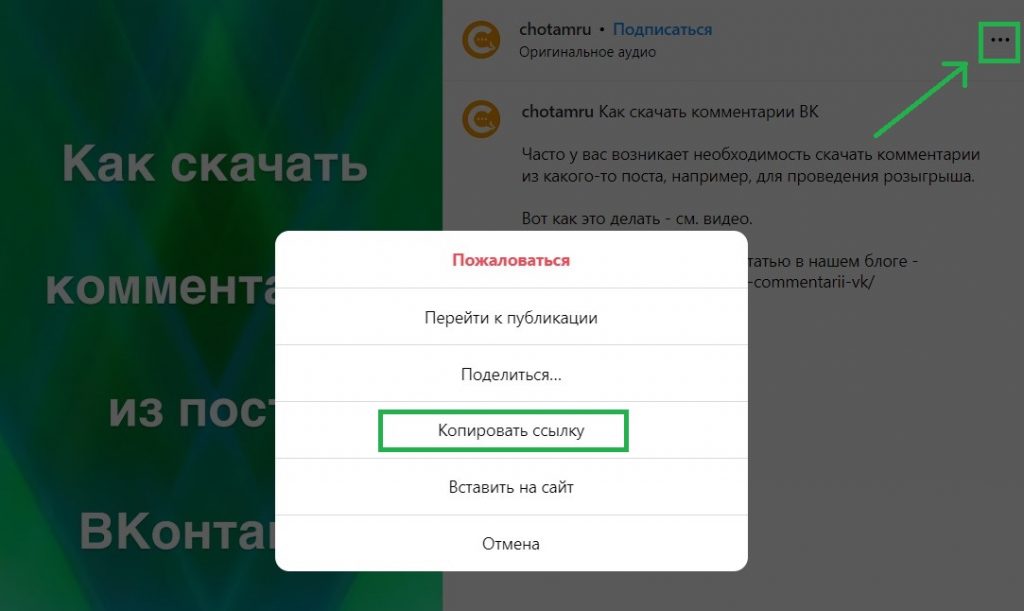
- Click on the three dots. As in the mobile app, the three dots are in the upper right corner of the post. Click on them.
- Select “Copy Link”. In the dropdown menu, select the “Copy Link” option. The link will be copied to your device’s clipboard.
Tips for marketers
For SMM specialists, it is important not only to publish posts, but also to understand how to work with them effectively:
- Analyze engagement. Use links to bookmark, analyze audience engagement, and track campaign effectiveness.
- Share with your target audience. Distribute post links via email, messengers, and other social networks for maximum reach.
- Use third-party services, for example — for exporting comments from Instagram for further analysis
Copying a link to a post on Instagram is a simple but important task that helps promote content and interact with your audience. Follow our steps to easily handle this task and use the links you get to improve your marketing strategies.
Leave a Reply