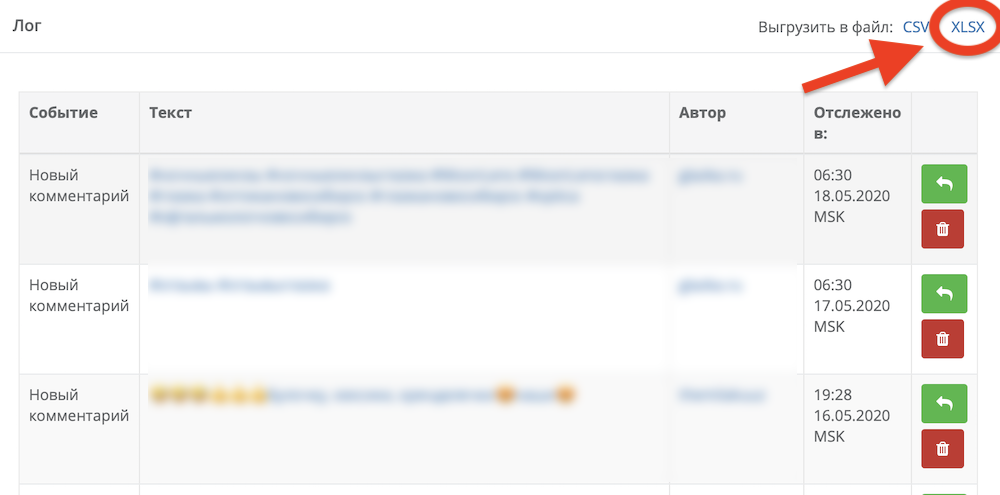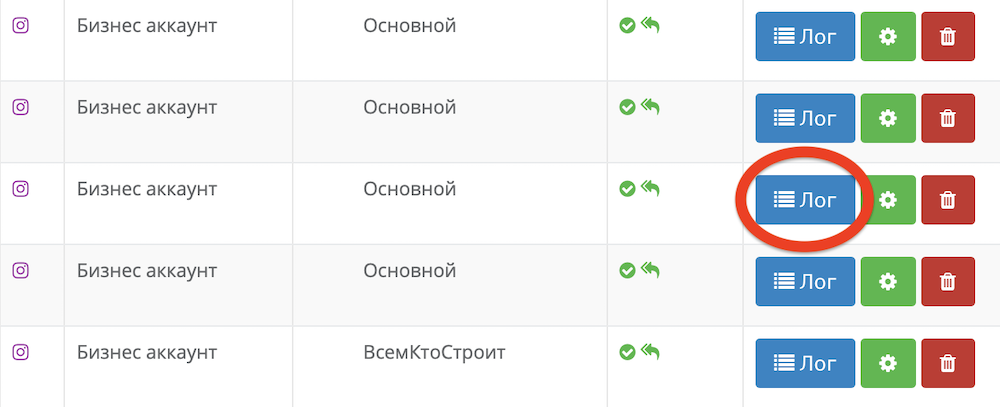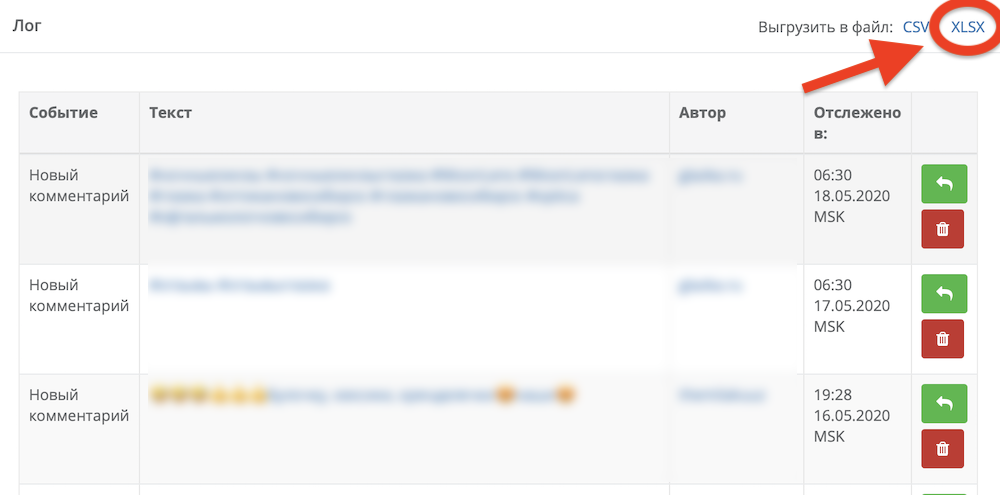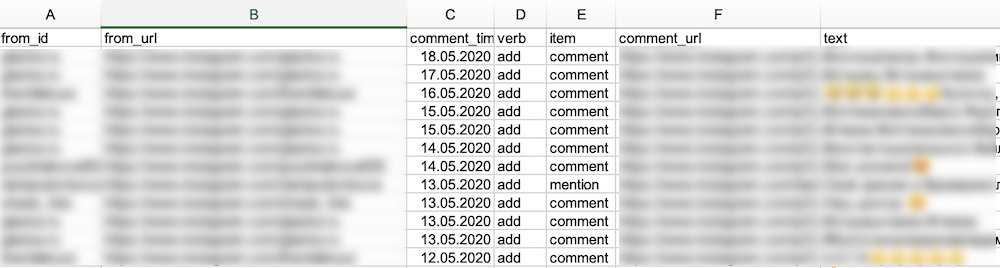
For many, it comes as an unpleasant surprise that notifications about comments on promotional posts are often not visible. This is a damn annoying situation, because comments on a promoted or advertising post are most often from an interested client. And missing it, or taking too long to respond — is an unaffordable luxury for business. Here’s what to do in this case.
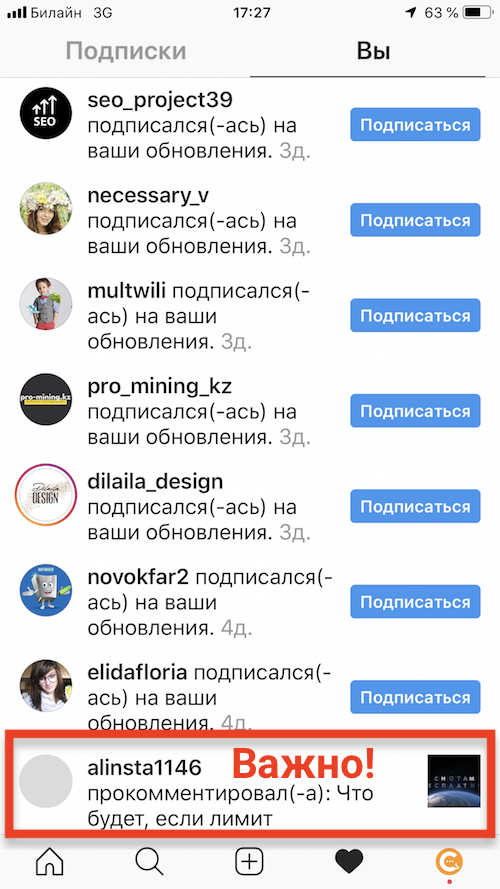
This primarily concerns ads launched on Facebook/Instagram. It often happens that a user comments on your advertising/promoted post, but you do not see a notification about this comment in the desktop interface of Facebook/Instagram, nor in the apps on your phone.
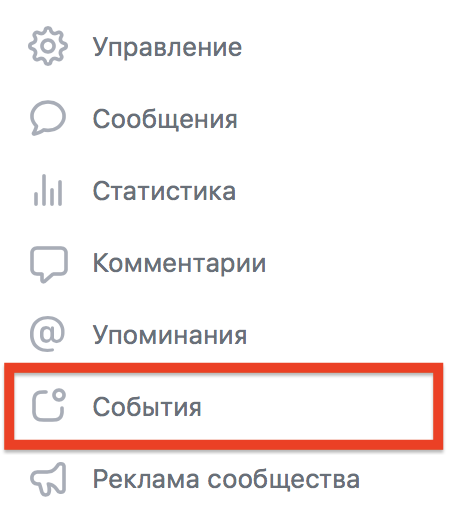
Moreover, some comments do “break through” into notifications, and some do not — and you can only see them on desktop by going to business.facebook.com — or in the shared inbox of your Facebook page + Instagram business account.
Why it works this way — we still haven’t figured out, but the fact remains — one of the most frequently asked questions we get is whether the Chotam.ru service can track comments on advertising posts. And the answer is yes!
At the same time, if people write to you in Direct because of your ad, you might find this article useful.
Comments from advertising posts — how to respond?
Why is it important to respond?
Let’s first look at the main types of comments you might get on advertising posts:
- Question from a potential client: “Do you have the same one, but in red?”
- Positive feedback from a client: “I tried it, I liked it”
- Negative feedback from a client: “I was there — it sucks”
- Spam: “Buy it here instead + link to their account/website”
- Fraud/‘hijacking’ a client: when someone replies to a client’s question with “replied in Direct,” sometimes also asking to delete the original comment, and then it’s a gamble — you might pay and get the original product/service, or you might not
- Swearing/profanity/unacceptable behavior
- “Who knows what”: smileys/emojis, when it’s unclear what the author meant — often done by bots to attract attention.
The very first rule: you should always reply to meaningful comments addressed to you, and respond (except for “who knows what”) as soon as possible.
Because if it’s a client — they won’t wait long. No answer — they’ll buy elsewhere.
If it’s negative feedback, you obviously need to respond as soon as possible, because otherwise it will just hang there and scare off other clients.
Even if it’s positive feedback — you should at least say thank you.
If it’s an attempt to hijack a client — you should immediately block such people and delete their comments.
Swearing/profanity should also be deleted right away, and maybe even block their authors if they don’t get it.
But all sorts of “who knows what” can be left unanswered, and moreover — you don’t even want to be distracted by them.
And here we come to the features of the Chotam.ru service, which is ideal for working with comments from ads — and in general with any inquiries from social networks. It can:
- Send all inquiries from social networks to your email or Telegram, including from advertising/promoted posts
- Reply to such inquiries directly from Telegram, from email, or from the service itself — so you don’t have to “jump” between different windows/apps, or log in and out of different accounts
- Ignore comments that don’t contain meaningful information, so you don’t get distracted by all sorts of emojis from bots.
The service also automatically detects questions, and you can see the response speed in your regular report, as well as a list of questions that haven’t been answered.
Registering with Chotam.ru takes less than a minute, and it’ll take you another couple of minutes to tell the service which communities to collect comments/DMs/applications from. You’ll have 7 days to test all the features, and tracking inquiries from 1 community with low activity is free forever.